Deleting Tags
Once a tag is created and configured, it may be required to delete the tag if it is no longer in use or has been created erroneously.
Note: The deletion of a tag will remove it from the list of active groups. Ensure that no other users or departments using Connect require the tag for reporting purposes before deletion.
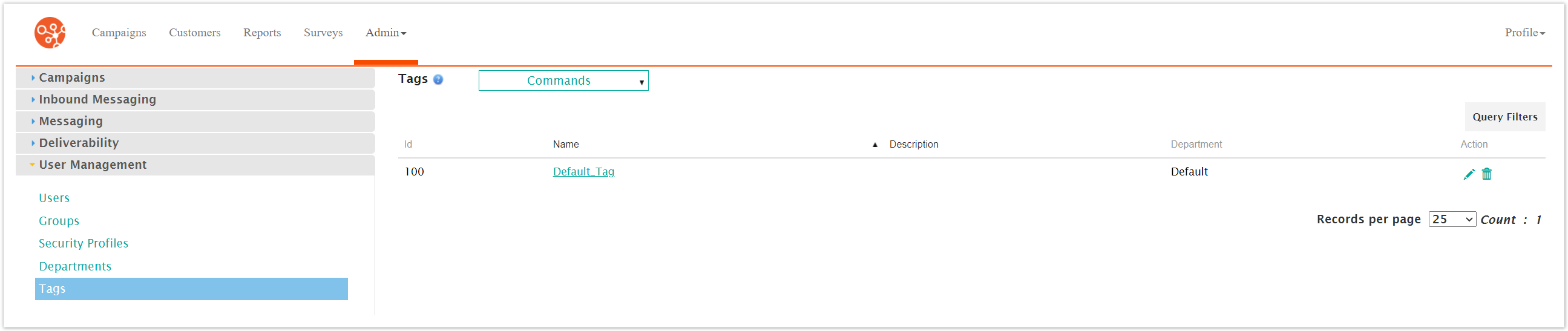
Deleting a Tag
To delete a tag:
Navigate to the Company Admin screen.
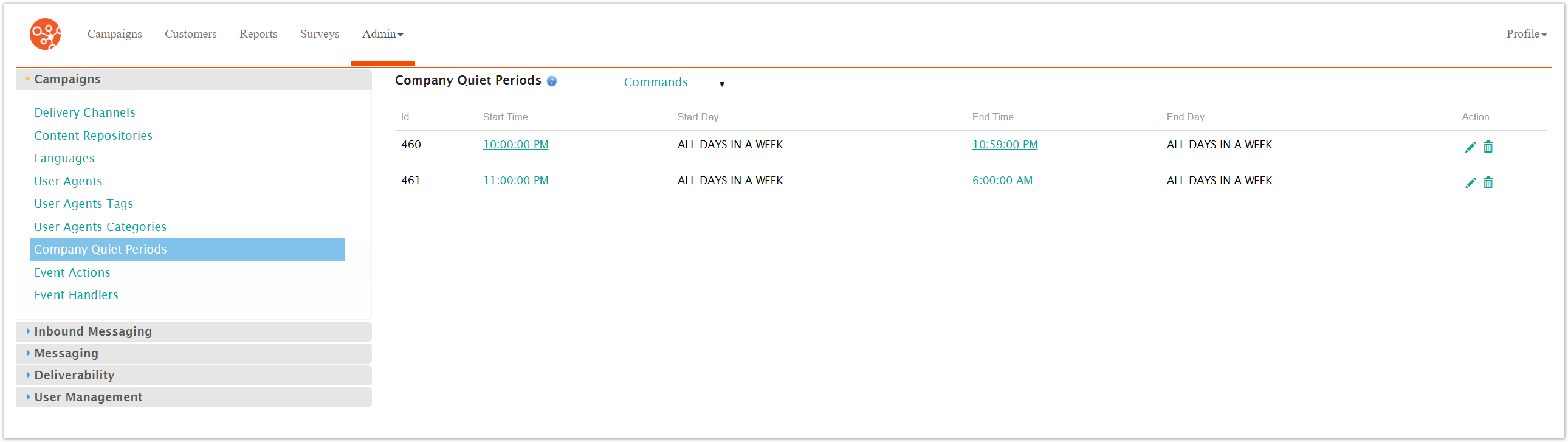
Click on the User Management sub-menu in the menu bar on the left, followed by the Tags menu option. The Tags screen appears.
Click on the Delete icon (
 ) beside the desired tag. The deletion confirmation message appears.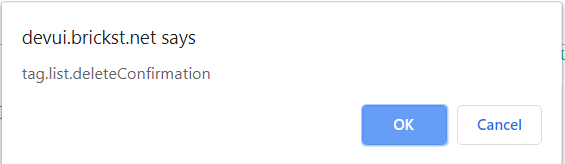
To cancel without deleting the tag, click the Cancel button. The tag is not deleted.
Click the OK button. The tag is deleted and no longer displays in the list of available tags.