Editing Tags
Once created, the details of a tag are able to be edited if they have changed or need to be altered for reasons such as changes in departmental reporting needs.
Editing a Tag
To edit a tag:
Navigate to the Company Admin screen.
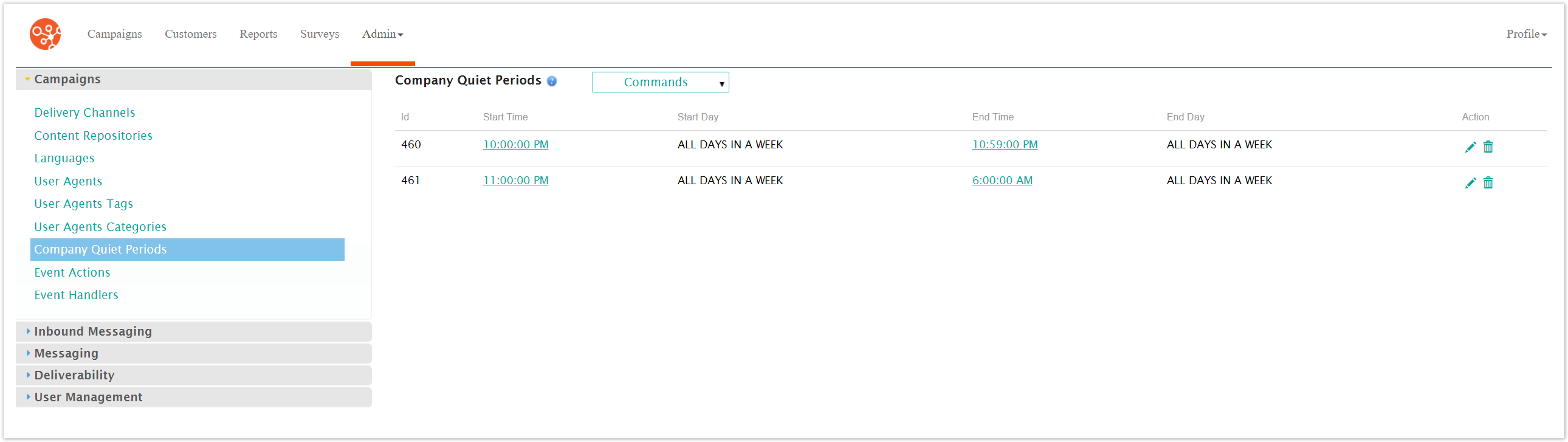
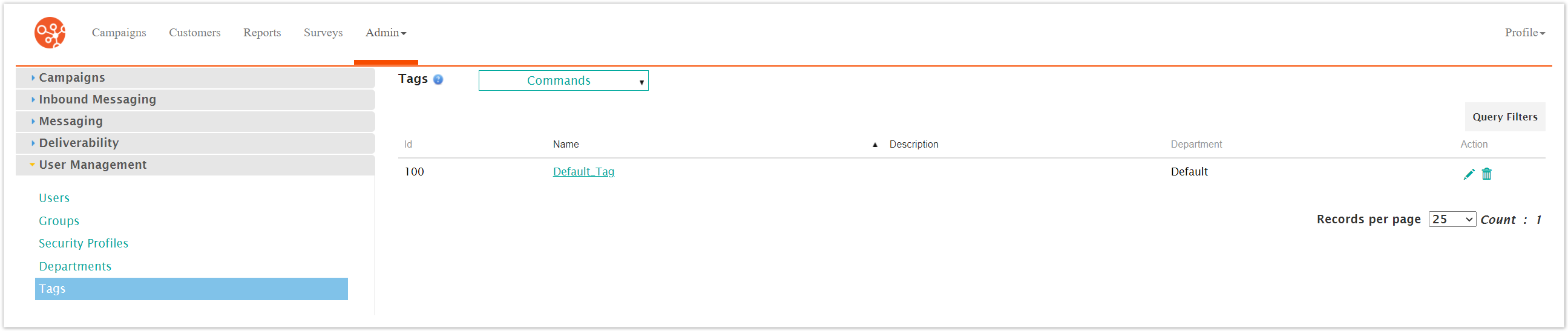
Click on the User Management sub-menu in the menu bar on the left, followed by the Tags menu option. The Tags screen appears.
Click on the desired tag name link from the list of tags or click on the Edit icon (
 ) beside the desired tag. The Edit Tag screen appears displaying the details of the tag.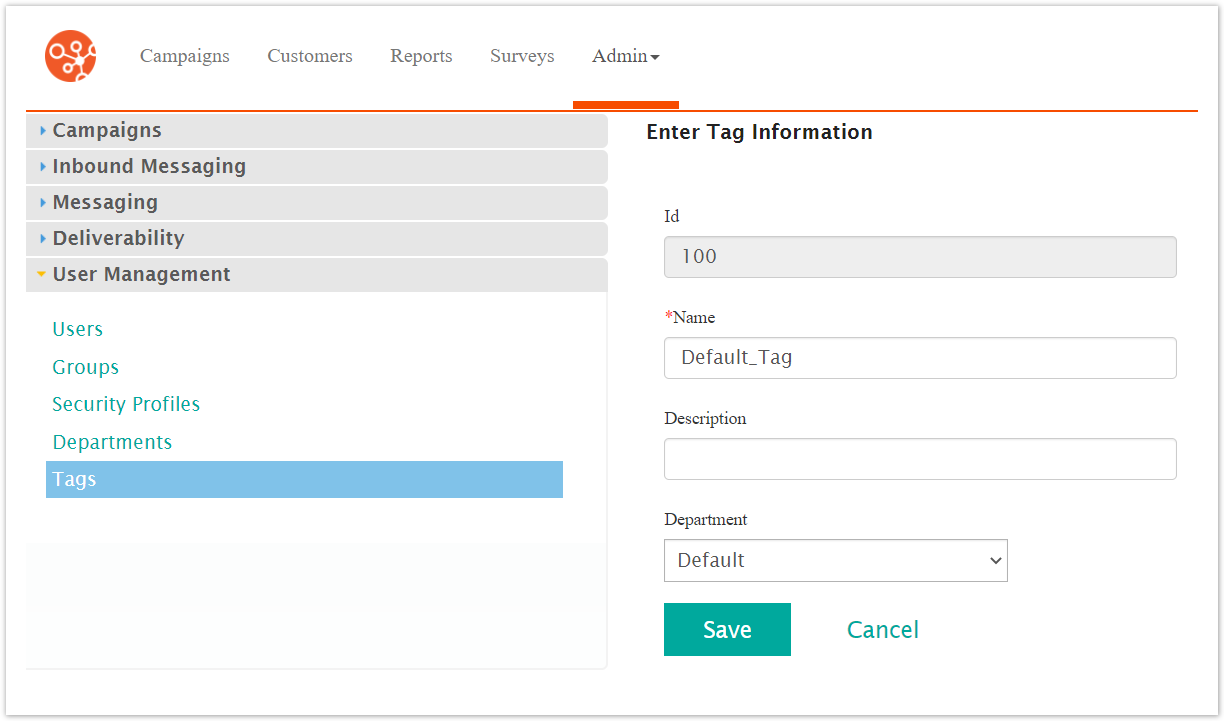
Edit the tag details:
Name: Name for the tag
Description: Description of the tag
Department: Department associated to the tag
To cancel without saving the changes to the tag, click the Cancel button. The Tags screen displays. The changes to the tag are not saved.
Click Save. The Tags screen appears with the changes to the tag saved.