Deleting Dashboards
Created dashboards are able to be deleted if they no longer needed.
Deleting a Dashboard
To delete a dashboard:
Navigate to the Dashboard screen.
Select the desired dashboard from the Dashboard dropdown.
The desired dashboard displays.
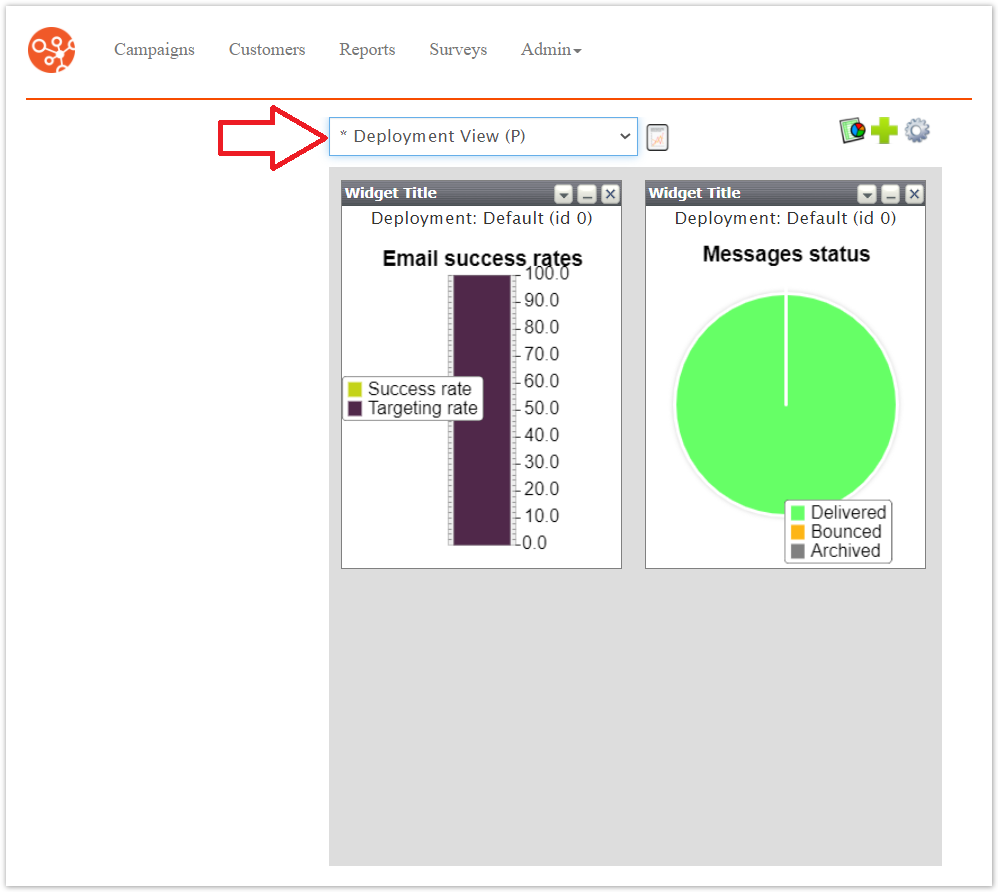
Click the Edit Dashboard icon (
 ).
).The Edit Dashboard screen displays.
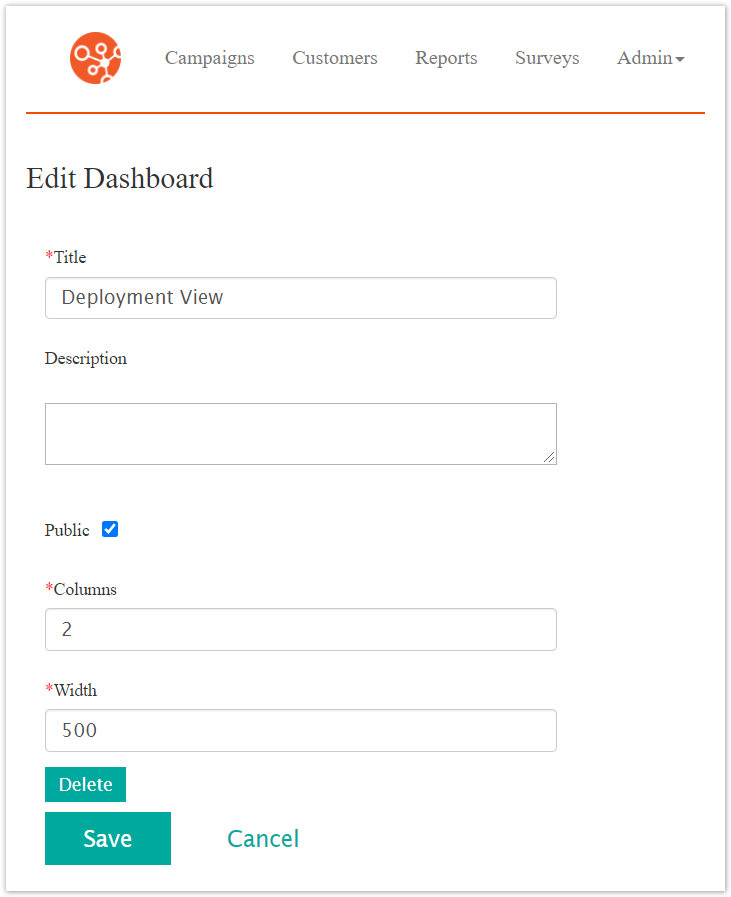
Click the Delete button.
The confirm delete message appears.
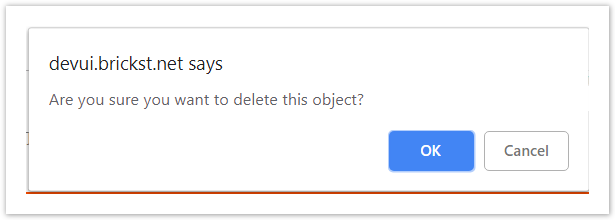
To cancel without deleting the dashboard, click the Cancel button.
The dashboard displays.
Click the OK button.
The dashboard is deleted.