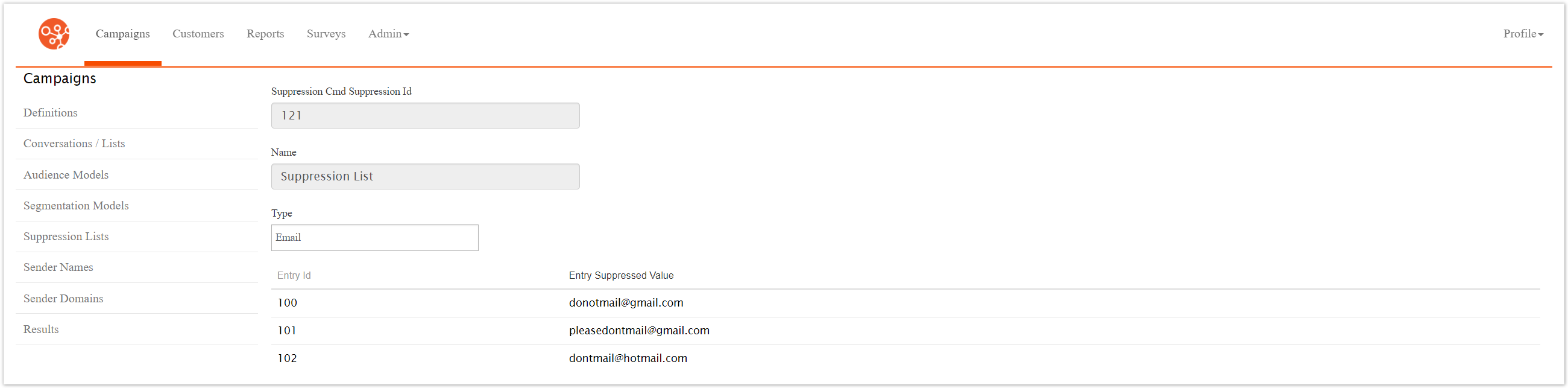
Previewing Suppression Lists
Once email addresses have been added to the suppression list, you are able to view a list of the email addresses that are included in the suppression list.
Previewing the Email Addresses in a Suppression List
To preview the email addresses in a suppression list:
In the Campaigns screen, click on the Suppression List sub-tab. The Suppression List screen appears.

Click the Preview icon (
 ) for the desired suppression list. The Suppression Preview screen appears.