Editing Event Handler Properties
Once an event handler is created and associated to an event action, the distinct properties associated to the event action are able to be edited to configure the specific behaviours of the action. That is, each action classname will have specific property values that are able to be tailored to your specific Connect instance.
Note: Event handlers can be used by other users. Please ensure that any changes that you perform will not affect other users or business operations.
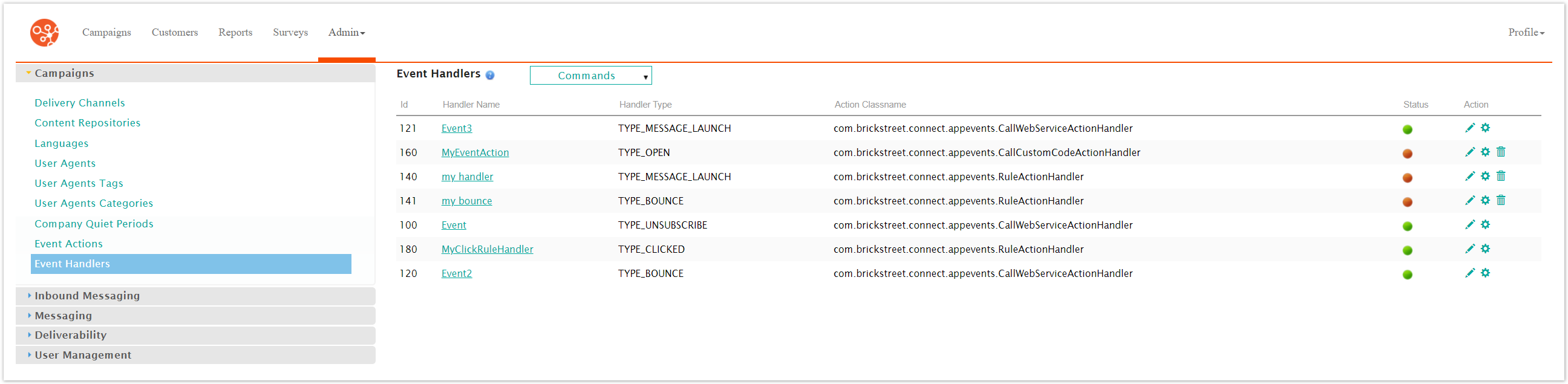
Editing an Event Handler Properties
To edit event handler properties:
Navigate to the Company Admin screen.
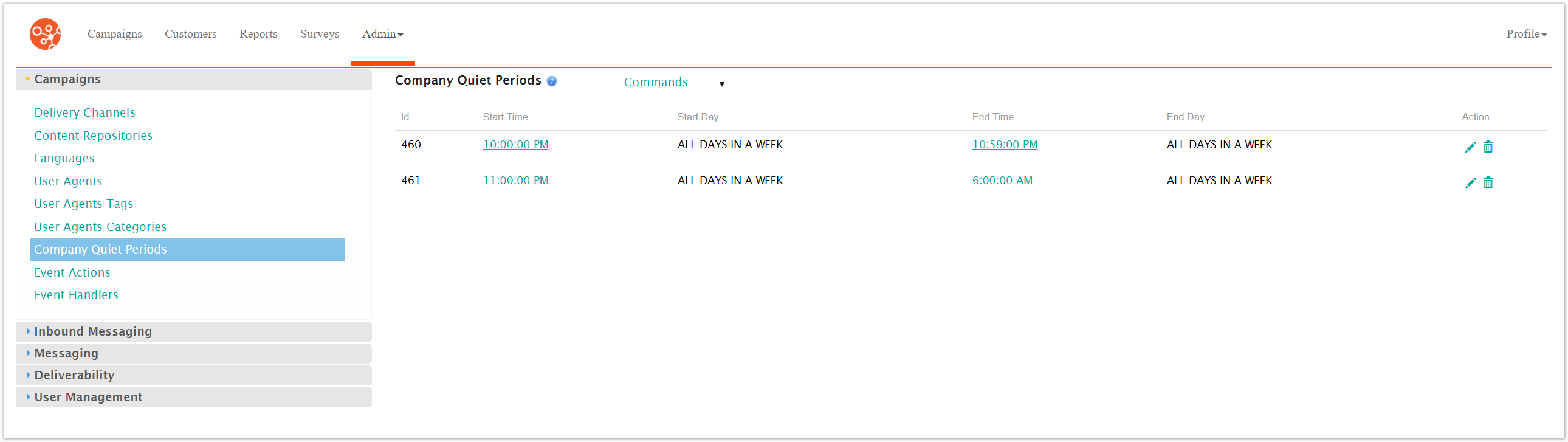
Click on the Event Handlers menu item under the Campaigns side menu.
The Event Handlers screen appears.
Select the Edit Properties icon (
 ) beside the desired event handler.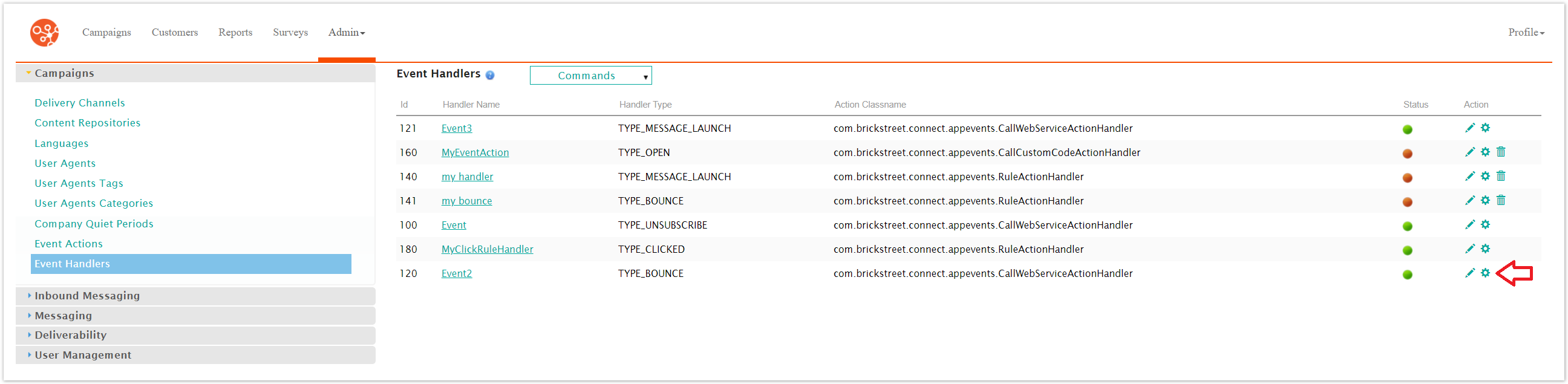
The Event Handler Properties screen appears.

Edit the event handler properties as required. Each event action associated with the event handler will require different properties to be entered. The table below describes which property entries are associated with some of the available event action classnames.
Table 1. Event Handler Parameters Available by Rule
Associated Event Action Classname
Available Event Handler Properties
com.brickstreet.connect.appevents.SendDirectEmailActionHandler
subject
body
sender
senderName
Recipient
com.brickstreet.connect.appevents.SendMessageWithETCampaignActionHandler
campaignId
customerId
subscribe
com.brickstreet.connect.appevents.PostMessageToJMSQueueActionHandler
jmsProvider
jmsProviderURL
jmsInitialContextFactory
pkgPrefixes
jmsConnectionFactoryName
jmsDestinationQueueName
jmsDestinationQueueUser
jmsDestinationQueuePassword
com.brickstreet.connect.appevents.CampaignLaunchActionHandler
interactionId
campaignId
com.brickstreet.connect.appevents.CallCustomCodeActionHandler
class
method
com.brickstreet.connect.appevents.CallWebServiceActionHandler
wsURL
requestMethod
contentType
input
user
password
com.brickstreet.connect.appevents.RuleActionHandler
Note: Editing the properties for the RuleActionHandler requires editing rule sets. For more information on editing rule sets for the com.brickstreet.connect.appevents.RuleActionHandler classname, please see Editing Event Handler RuleSets for the Rule Action Handler.
To cancel without saving the event handler properties, click the Cancel button. You are returned to the Event Handlers screen.
Click the Save button. You are returned to the Event Handlers screen with the event handler properties displayed in the event actions list.