Conversations
The Conversations screen allows you to create, edit and delete conversations that will be available for campaigns. Because conversations represent the largest possible group of customers that you are able to message, you are able to upload customers to a specific conversation once the conversation is created.
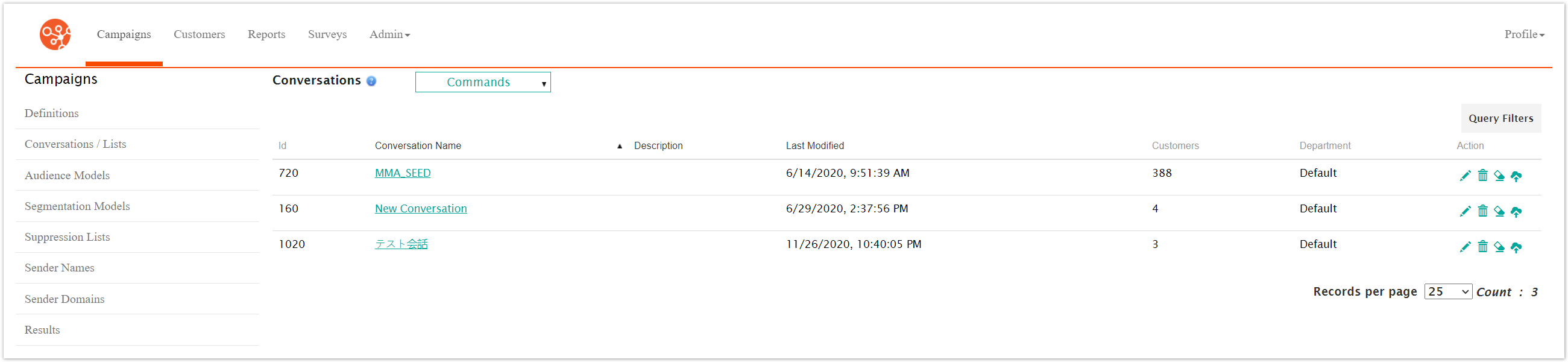
The table displays the following information:
Conversation Name: The name of the conversation
Description: A user-defined description for the conversation
Last Modified: The latest date on which the conversation was modified
Customers: The total number of customers associated with the conversation
Department: The department that the conversation is associated to. This is determined by the department of the user who created the conversation.