Connect Reports
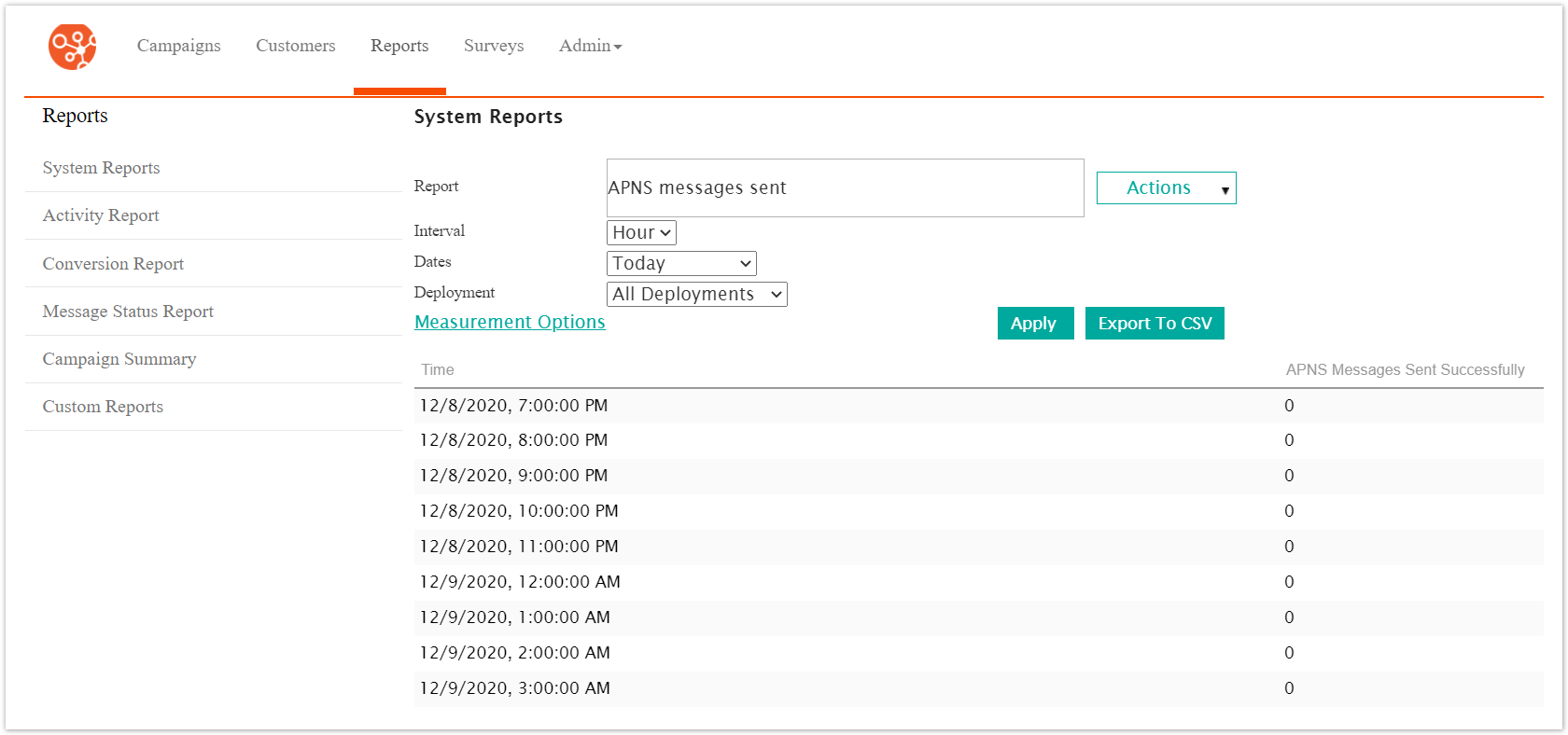
Connect provides a series of reports that you can use to help determine the success of campaigns in terms of message status, clicks, opens and conversion. The reports allow you to further understand the information stored in your system database.
The reports are run in the context of the department of the user. For example, if a user assigned to the Sales department, the report tab displays only the details of campaigns that belong to the Sales department. If a user has access to all departments, the report pages display campaign details for all departments.
Note: You can only create campaign reports based on the segmentation model and demographic attributes selected when you define the campaign. When you define the campaign, you must choose the demographic attributes you want to use in reporting. If you do not choose those demographic attributes, they are not included in reports.
There are two types of reports that can be run in Connect:
Activity Reports: Reports that calculate and tabulate the activity of campaigns across type, channel, etc. (e.g. number of messages sent via mobile push, campaign conversion success). Activity reports track Connect's behaviour in a campaign.
Custom Reports: A collection of reports that allow the user to drill down and see specific numeric values of campaign behaviour (e.g. number of clicks, number of unsuccessful messages). Custom reports track the behaviour relating to customers.