Refreshing JMS Event Handlers
If you add information to the details of the JMS connection factory or if the server is shut down, you will need to refresh the connection factories.

Refreshing JMS Connection Factories
To refresh the JMS connection factories:
Navigate to the Instance Admin screen. The System Parameters screen displays.
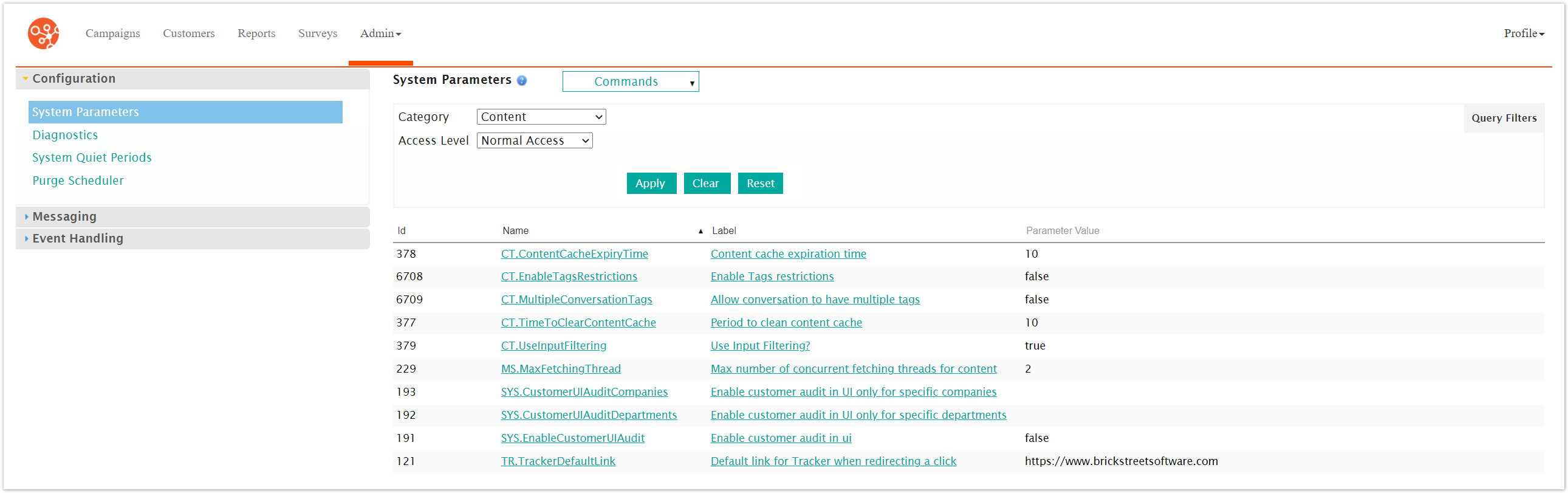
Click on the Event Handling sub-menu in the menu bar on the left, followed by the JMS menu option. The JMS screen appears.
From the Commands dropdown, select Refresh.
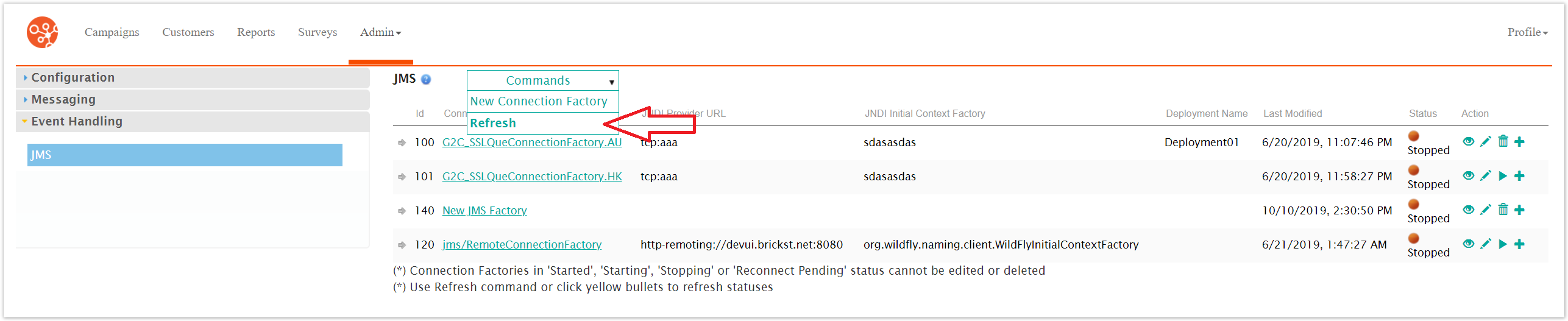
The JMS connection factories are all refreshed.