Editing Customer Profile Information
Once a customer profile is created, you are able to edit the customer profile information if it is erroneous or has changed. Once the customer profile is searched for, you are able to edit the customer information directly.
Editing a Customer Profile
To edit customer profile:
Navigate to the Customer Browser screen.
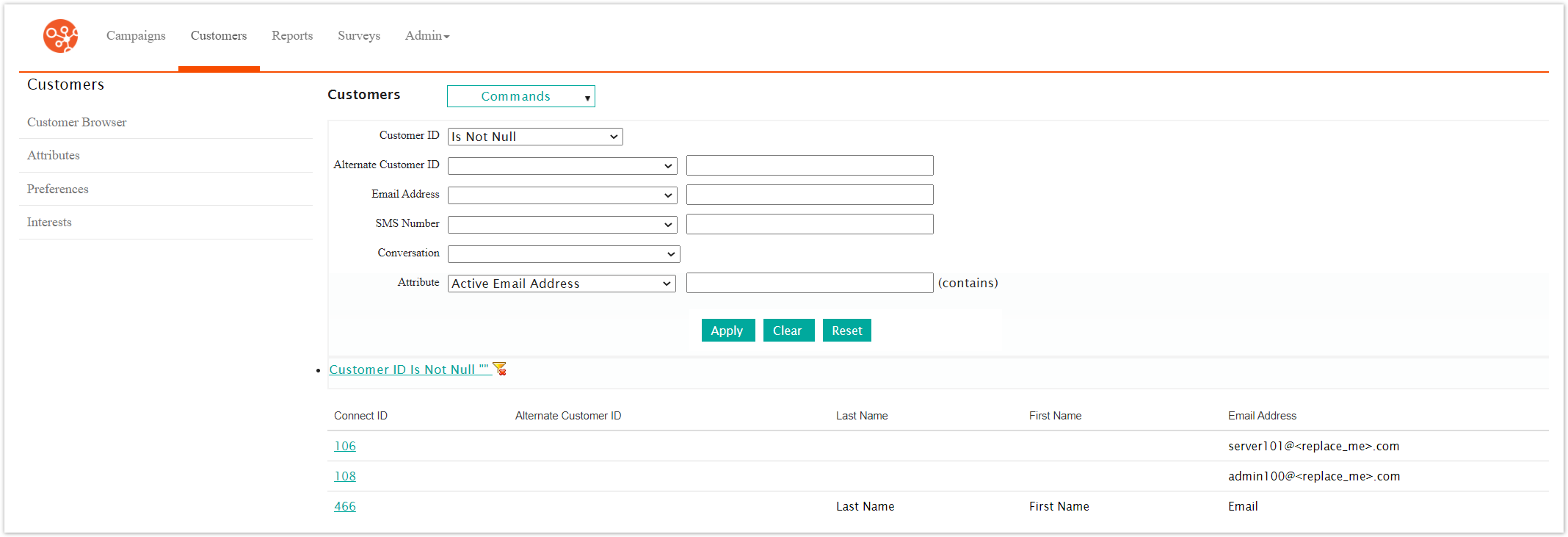
Search for and select the desired customer. The Customer Profile screen displays the customer's information. For more information on searching for customers, please see Searching for Customers.
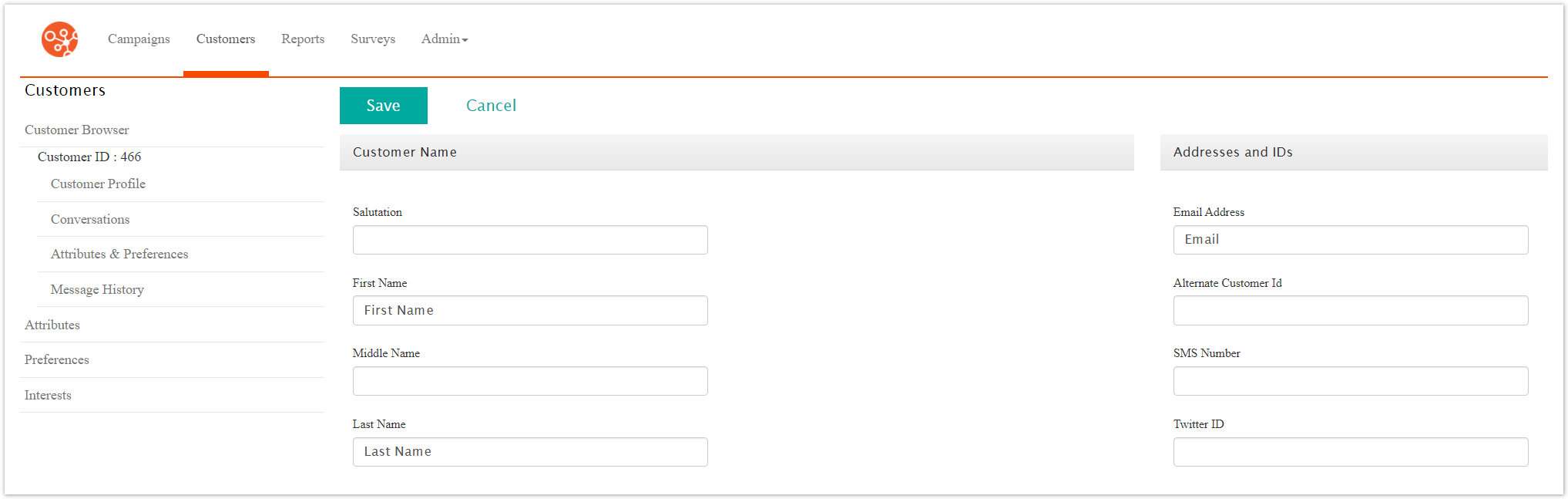
Edit the customer information as needed:
Note: The customer record will not be able to be saved without an email address or SMS number. Ensure that a customer's record includes this information.Salutation: The customer's salutation (e.g. 'Ms.', 'Mr.')
First Name: The customer's first name
Middle Name: The customer's middle name
Last Name: The customer's last name
Organization: The organization for the customer
Email Address: The customer's email address
Alt Customer ID: The alternate identifier for the customer, typically tied to a legacy or external system
SMS Number: The customer's SMS number
Address 1: The primary address line for the customer
Address 2: The second address line for the customer
City: The city for the customer's address
State: The state for the customer's address (if applicable)
Zip/Postal Code: The zip code or postal code for the customer's address
Province: The province for the customer's address (if applicable)
Country: The country for the customer's address
Phone: The customer's phone number
Fax: The customer's fax number
Alternate Phone: The customer's alternate or secondary phone number
Birth Date: The customer's date of birth
Content Type: The customer's preferred content type: 'Short Text' (used for SMS messaging), 'HTML', 'Text' or 'Unknown' if the preference is not known
Note: Connect sends Multi-Part Alternative content (MPA) to each customer with Unknown as the Content Type. When the customer opens the email, Tracker detects the content capabilities of the customer’s email client and updates the customer’s Content Type. For example, if the customer opens your message with an HTML-capable email client, Tracker updates the customer’s Content Type to HTML.Account Active: Activates or deactivates the customer record
Click the Save button. The customer record is saved with the changes.